About the Course: From Mockup to Market
From Mockup to Market provides a compact insight into the real-world tasks of interface designers. The goal is to prepare students for the demands of the professional design industry. In cooperation with Berlin-based Smartbroker AG, we worked as realistically as possible through the entire lifecycle of a product: from conceptual design and user feedback to stakeholder presentations and developer hand-off.
What it’s about
In university, the end result of a course is often just "pure UI"—nice screens that never leave the documentation. While these are important foundations, they are far from the daily routine of a Product, UX, or UI Designer. In this course, we developed realistic products under conditions similar to those in a future job, resulting in portfolio pieces that stand up to professional scrutiny.
Course Content & Focus
- • Introduction to the Stock Market: Understanding financial markets to design contextual solutions.
- • Design Processes in Practice: Hands-on work within a real Design System.
- • Data-Driven Design: Practical work with user feedback (Voice of Customer).
- • Cross-functional Collaboration: Workshops with Product Owners, Devs, and QA specialists.
- • Presentation Training: Preparing and delivering pitches to stakeholders.
Targeted at Interface Design students (BA/MA) with a focus on professional workflow integration.
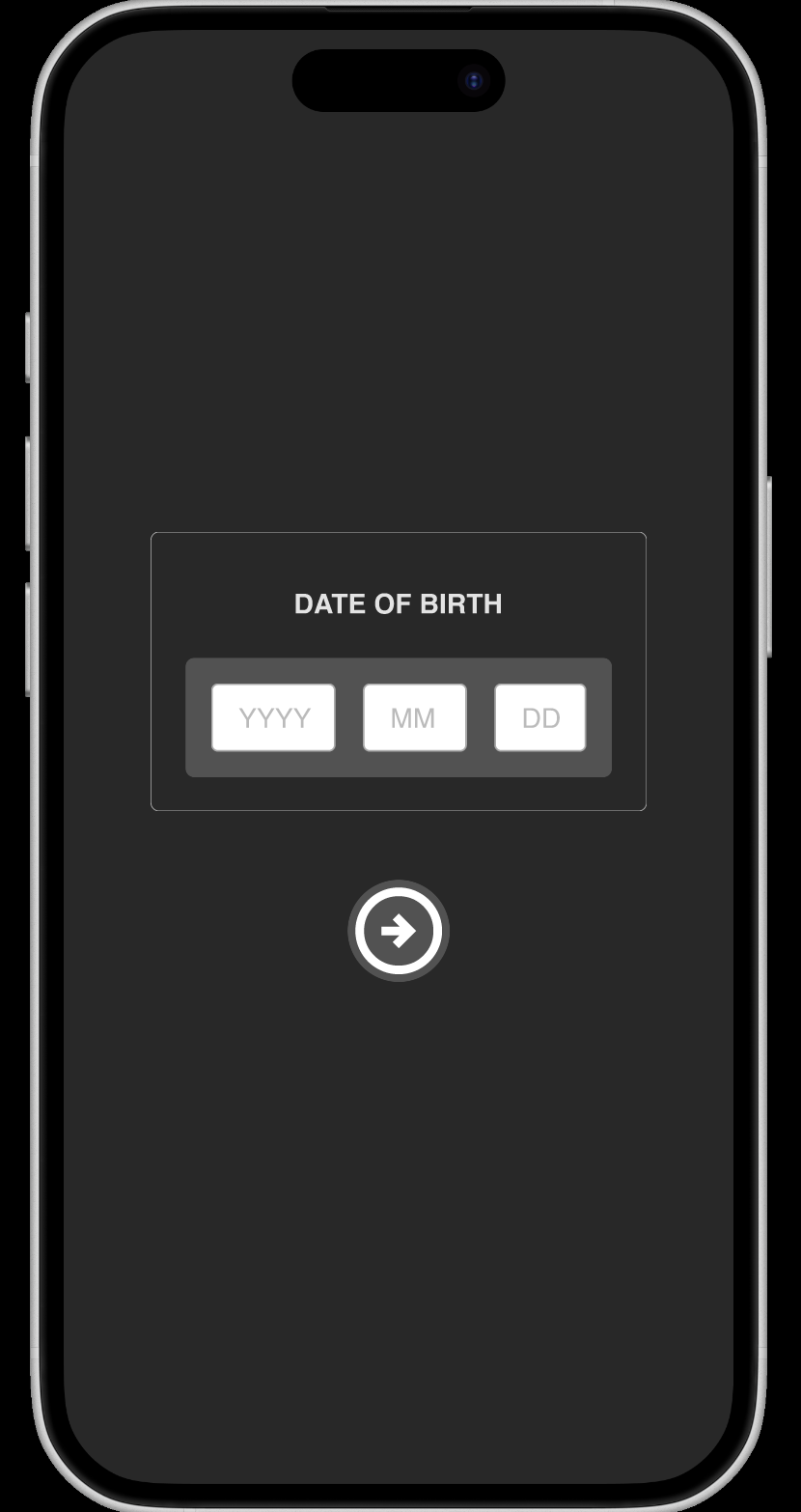
Date Input Interface (Mobile)
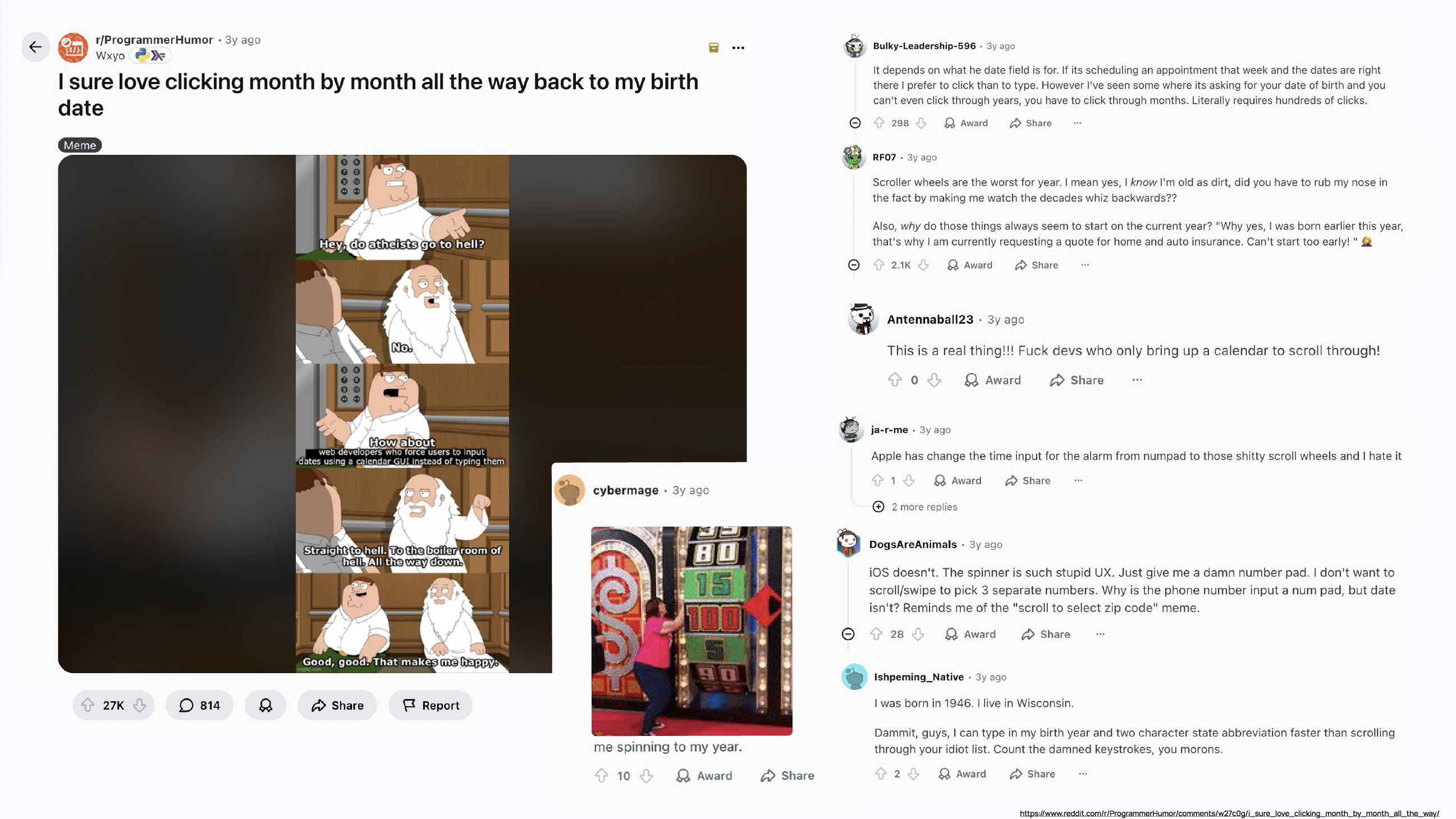
In a two-person team, we designed a mobile interface for entering a date, such as a birth date during onboarding. The goal was to make the interaction as simple, intuitive and efficient as possible.
Instead of relying on existing iOS or Android patterns, we explored alternative interaction concepts and focused on usability, clarity and speed.
- Concept development for intuitive date input
- Exploration of custom interaction patterns
- Prototype creation in Figma
- Short presentation of concept and rationale
We chose a simple text/number field input as the fastest and easiest method. Errors are handled via validation codes.
Dividend Display Concepts
In a two-person team, we developed concepts for how dividends could be presented in the app. The goal was to make financial information easier to understand and more transparent.
- Translating complex data into clear UI patterns
- Using research and competitor analysis
- Applying user feedback to design decisions
- Presentation in a structured slide format
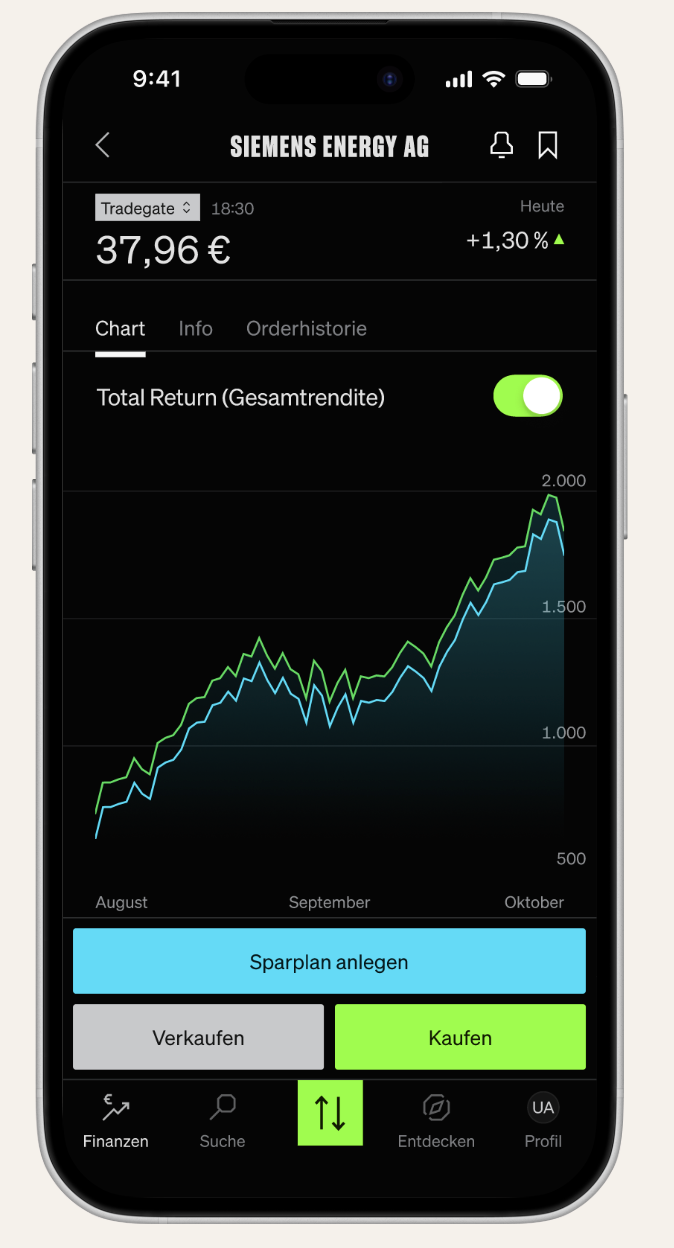
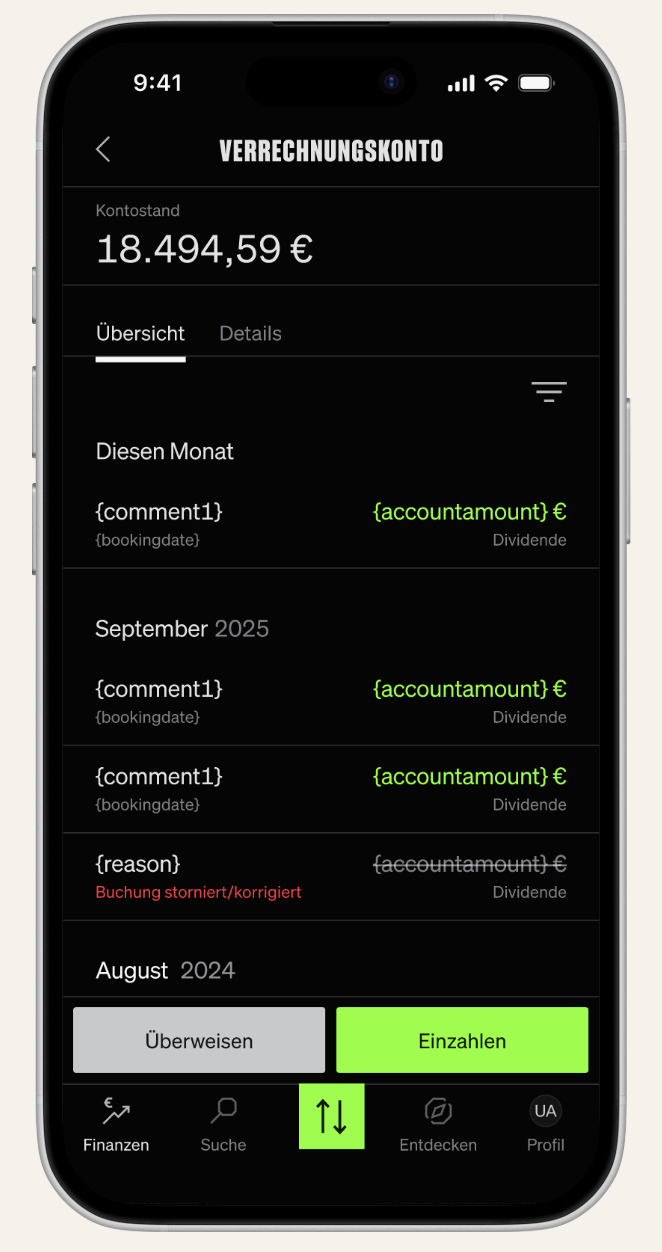
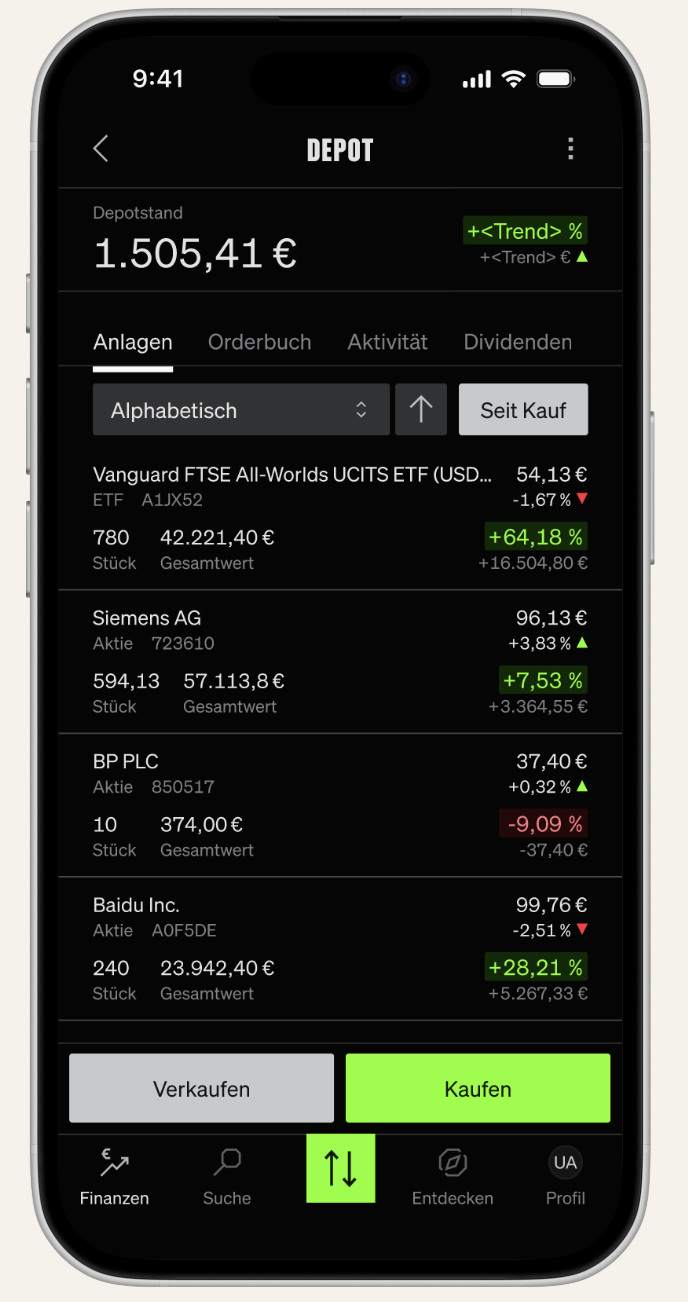
We structured solutions for three regions: Depot, Asset Detail, and Verrechnungskonto, addressing key pain points like missing summaries, scattered info, and unclear dividend calculations.
Personalized Features & Innovation Concepts
We explored new ideas for personalized features within the SMARTBROKER+ app. The focus was on identifying user needs and developing concepts that improve the overall experience through data and personalization.
- Identifying user problems and uncertainties
- Developing data-driven feature concepts
- Exploring ideas such as insights, recommendations and AI-based support
- Concept presentation supported by prototypes
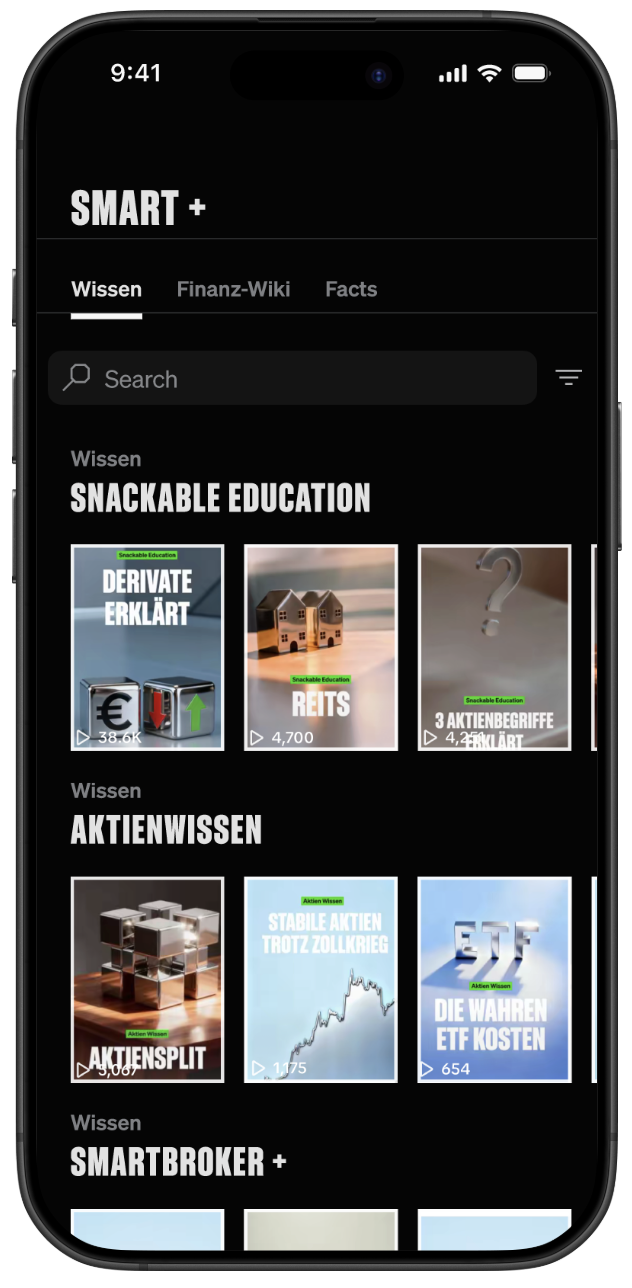
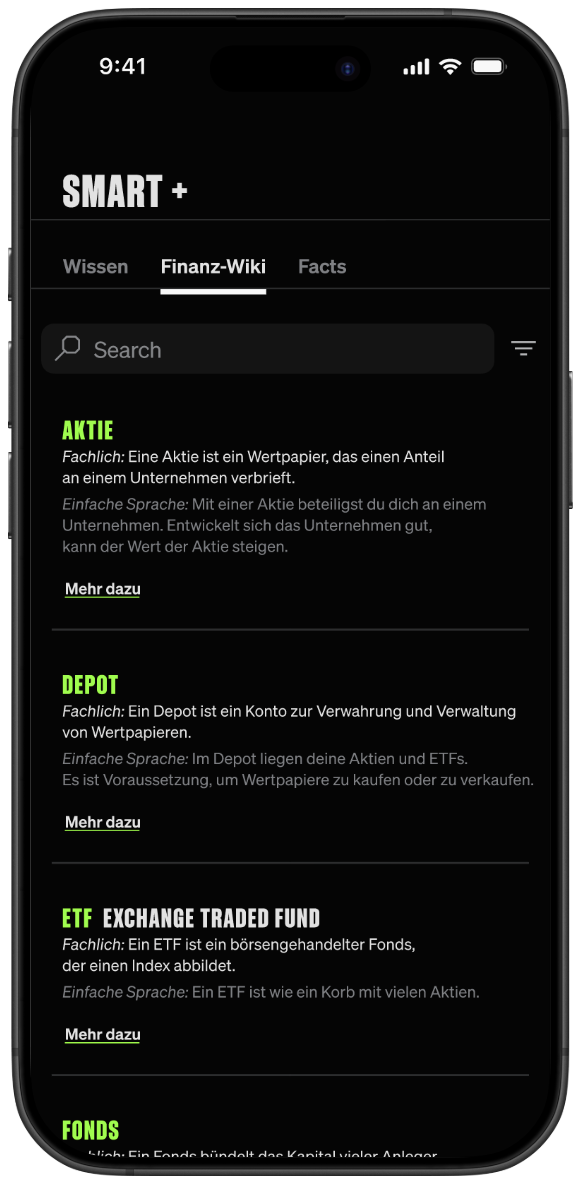
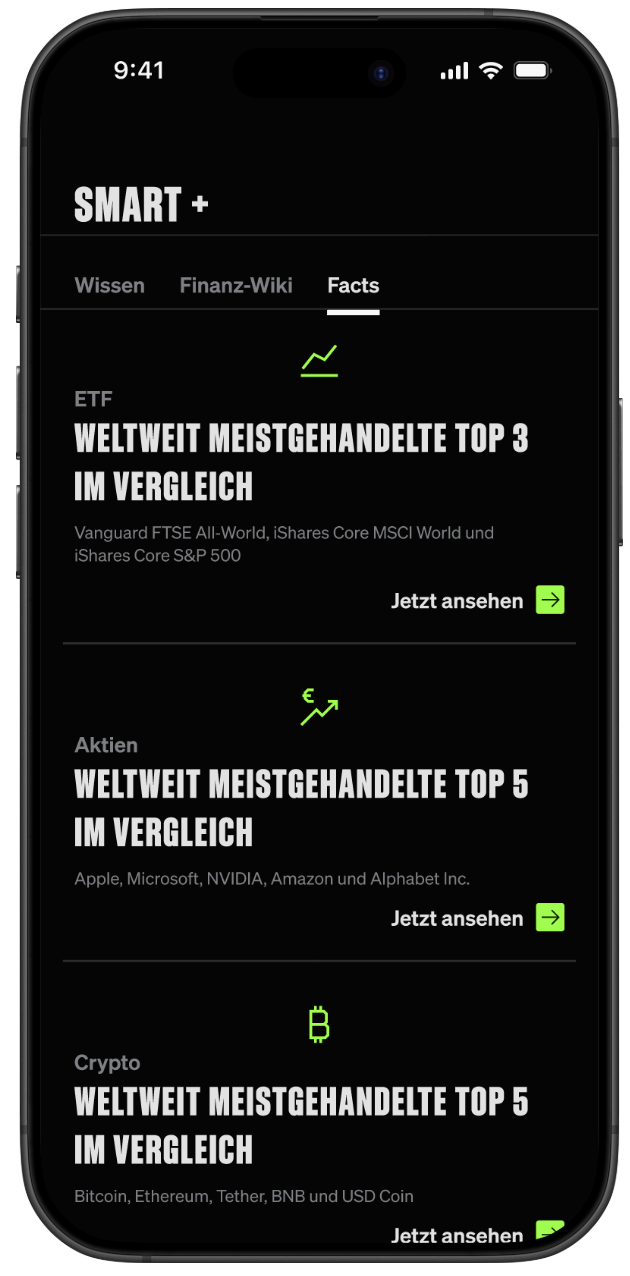
Key solutions include scrollable snackable videos, a financial glossary, and hard facts dashboards to reduce barriers and increase user understanding.